Two modes, one classroom tool
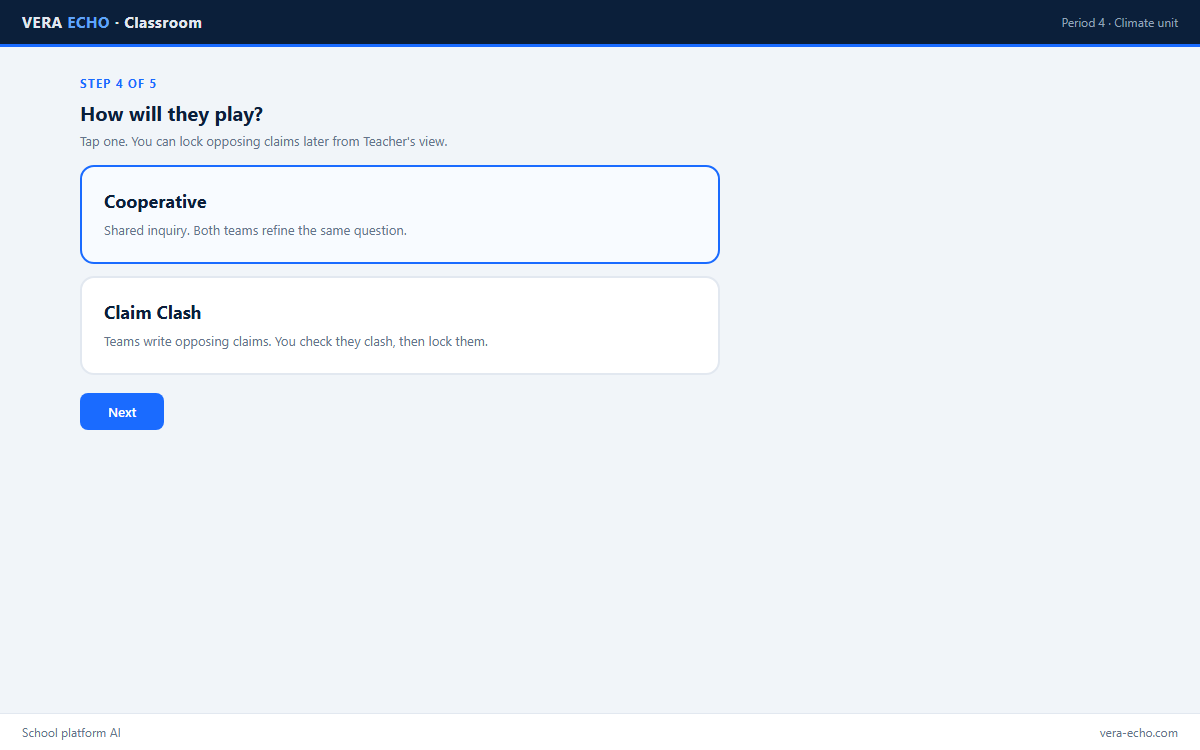
Pick the mode that matches the lesson. Both use Team A / Team B perspectives on each device, school platform AI, and optional multi-model compare for AI literacy.
| Aspect | Cooperative | Claim Clash |
|---|---|---|
| Tone | Shared inquiry; steelman both sides | Adversarial; opposing claims locked and challenged |
| Best for | Refining a taught topic; evidence questions | Stress-testing claims; spotting weak sources |
| Classroom Map | Teacher seating tool for both modes in multi-device rooms. Not used in solo practice. | |
| Win condition | Learn something defensible | Claims that hold up under challenge |
| Source scoring | Outcomes feed cooperative citations | Challenge survival weighs more heavily |
Cooperative mode
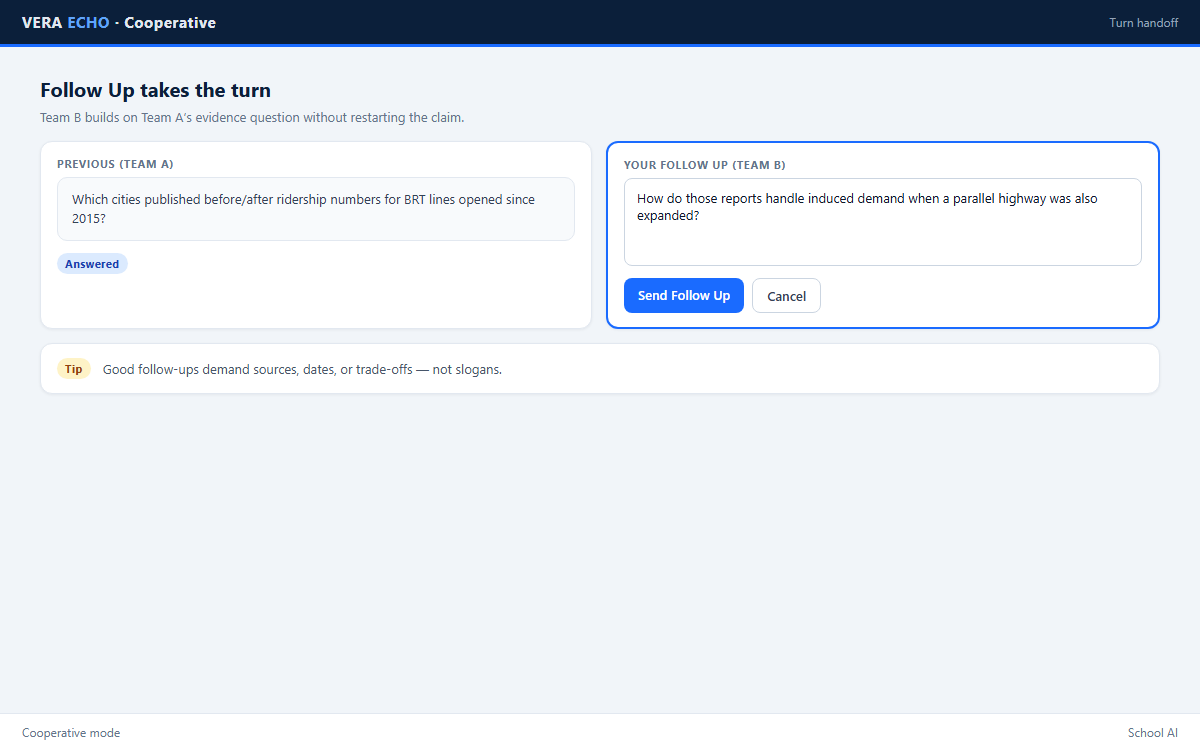
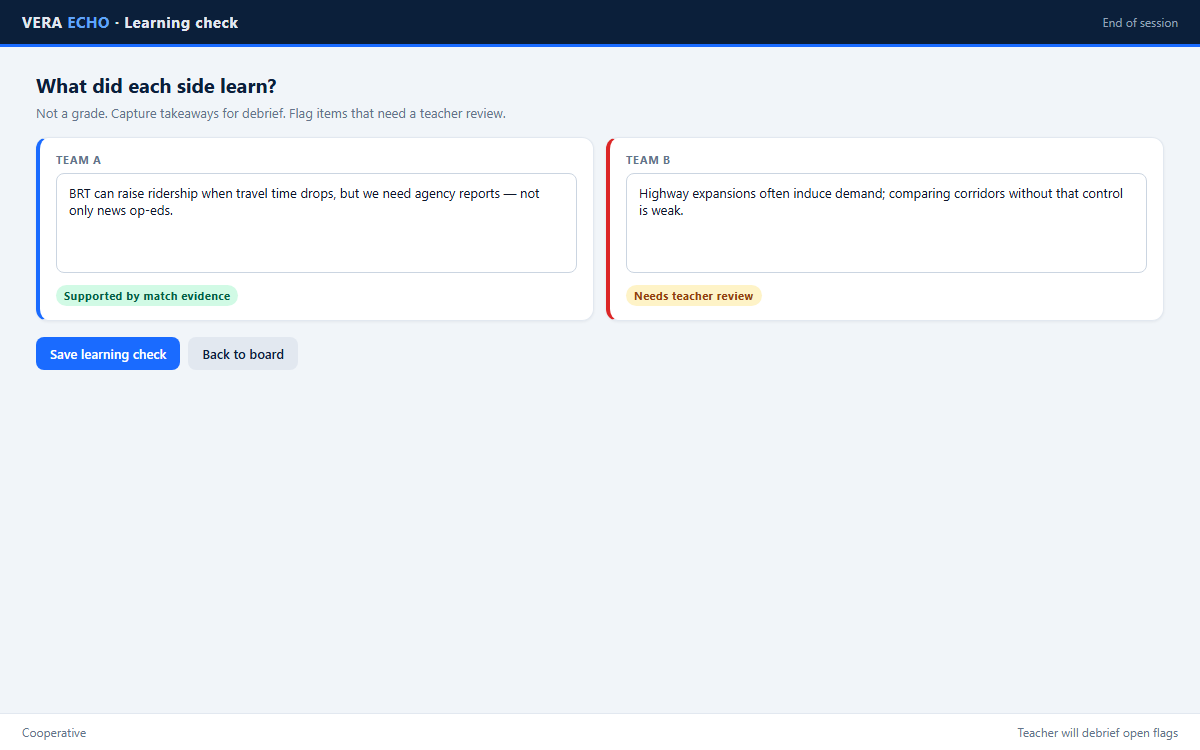
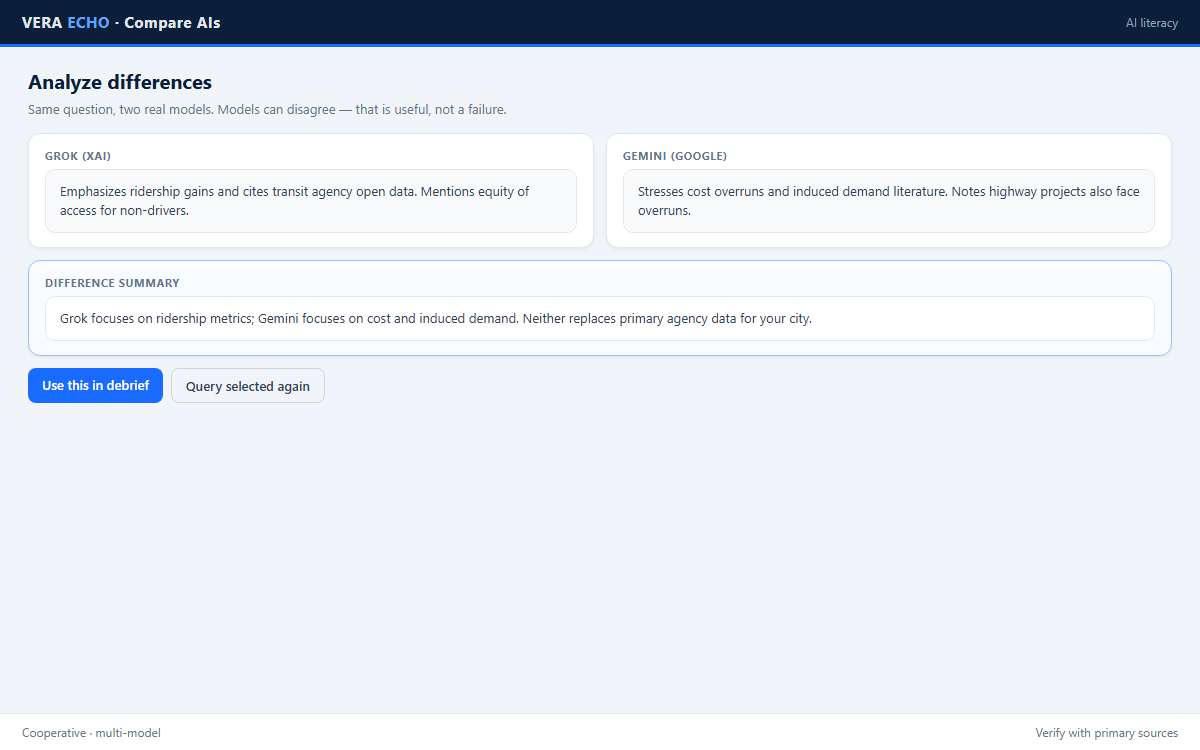
Two perspectives on each device. Better questions and better evidence — not “beating” the other side.
- Tables share one browser: Team A and Team B
- Ask → answer → Follow Up
- Optional multi-model compare · Learning check · debrief
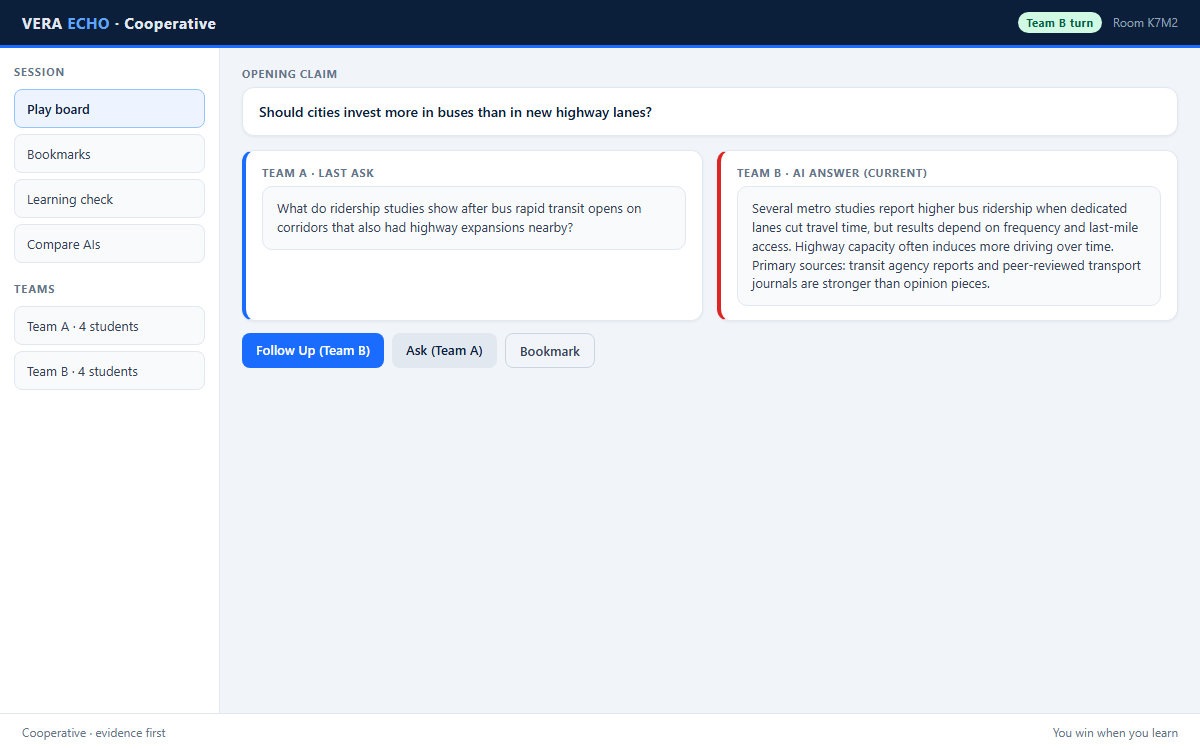
Cooperative · moments in class
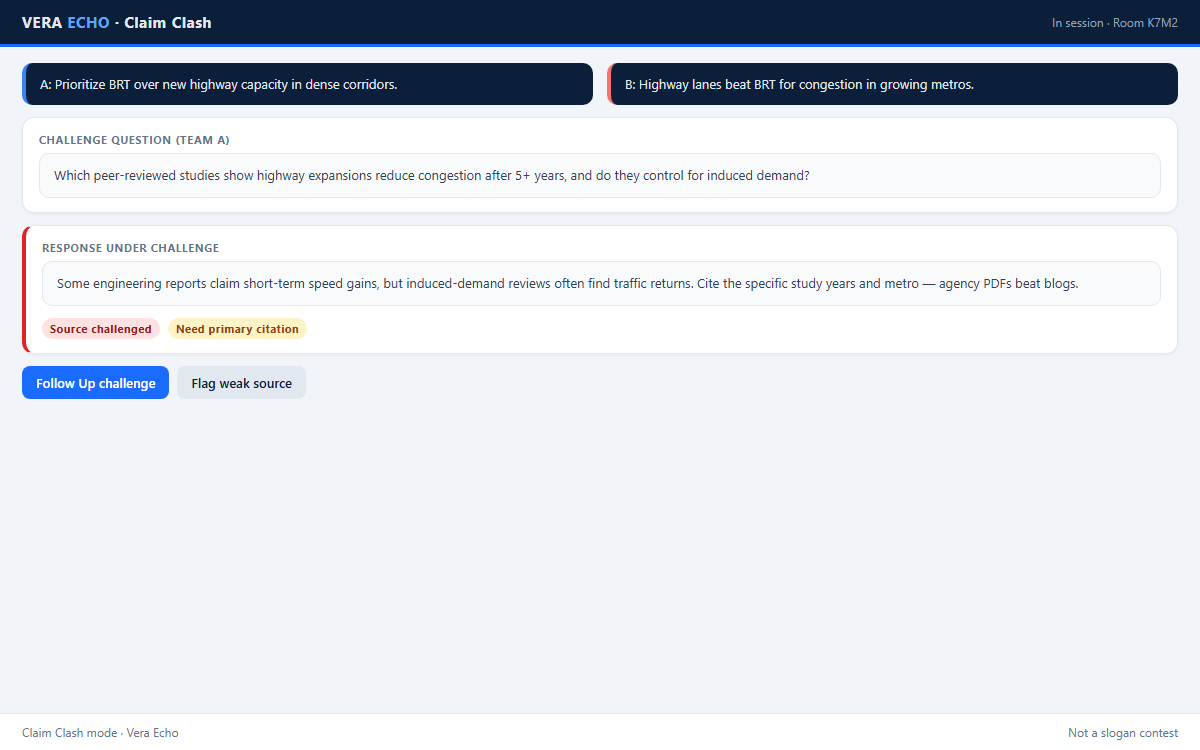
Claim Clash mode
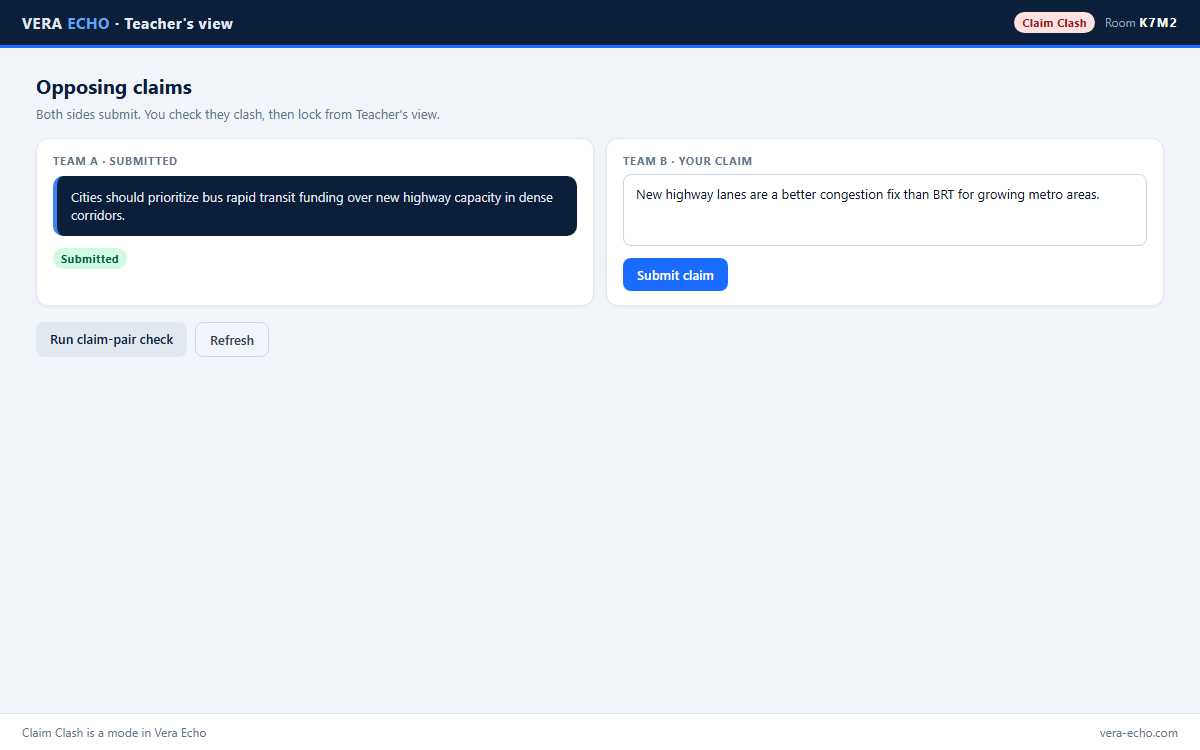
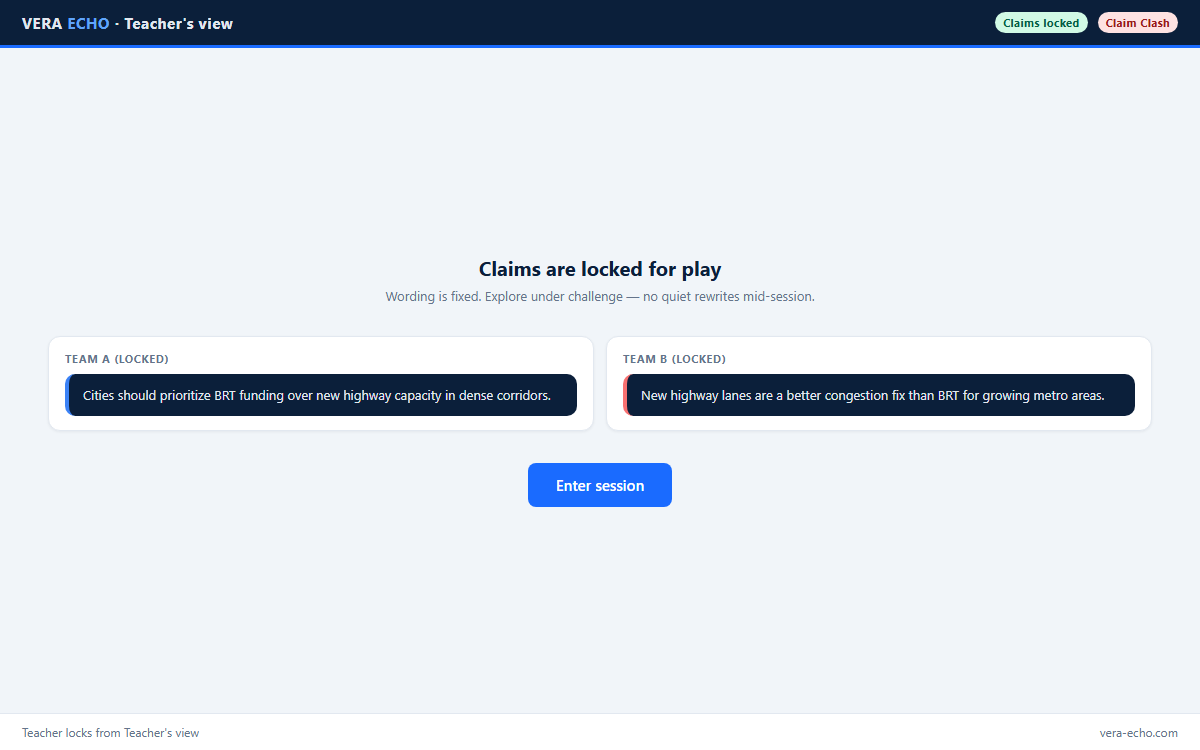
Opposing claims are checked so they truly clash, then locked. Sources face challenge.
- Create / join match · each side submits a claim
- Claim-pair check · lock · enter play
Claim Clash · in play
Evidence under pressure — not slogans. Debrief: which claim held up, and why.
Classroom flow
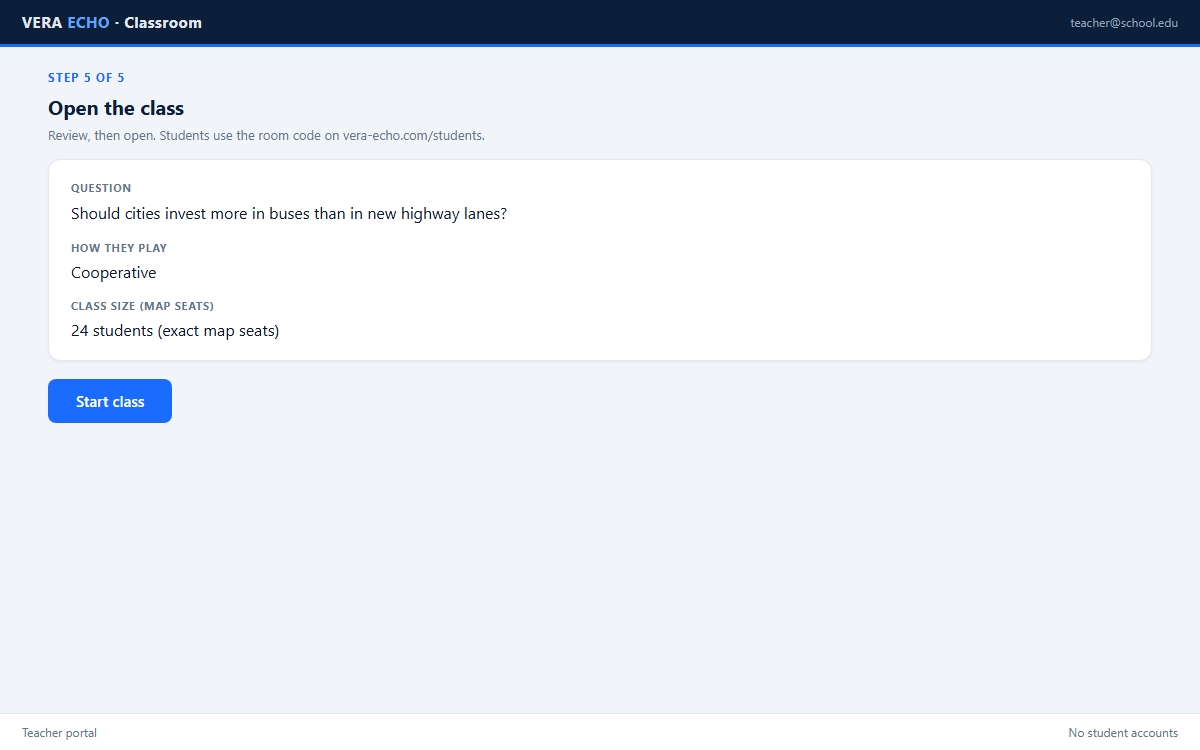
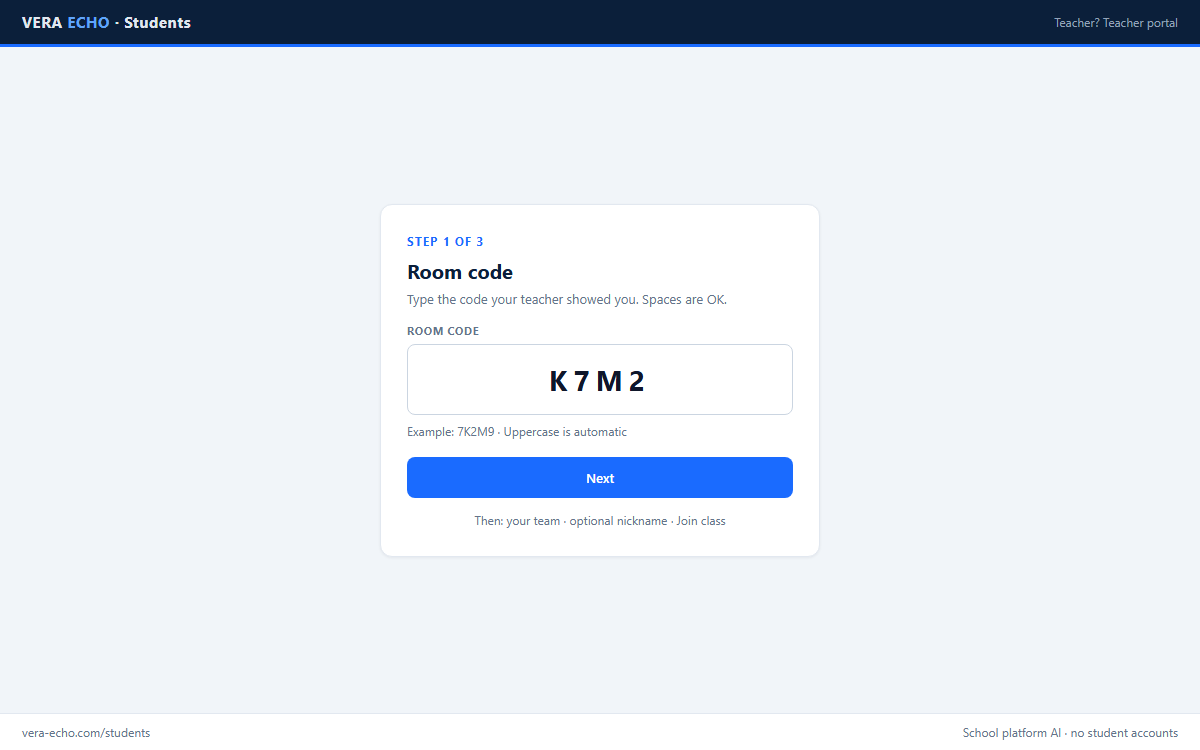
From open room to debrief. Students never create accounts. Classroom Map is available for every classroom session (Cooperative or Claim Clash) — not for solo practice.
- Teacher signs in and opens a classroom.
- Open a classroom: topic, optional AI instructions, answer length. Choose Cooperative or Claim Clash for play.
- Share the room code; students open /students, pick Team A or B, and choose a display name.
- Classroom Map (part of the classroom, any mode): generate desks, watch names appear, arrange seats, hover and right-click to manage.
- Play in the mode you chose — map stays available the whole session.
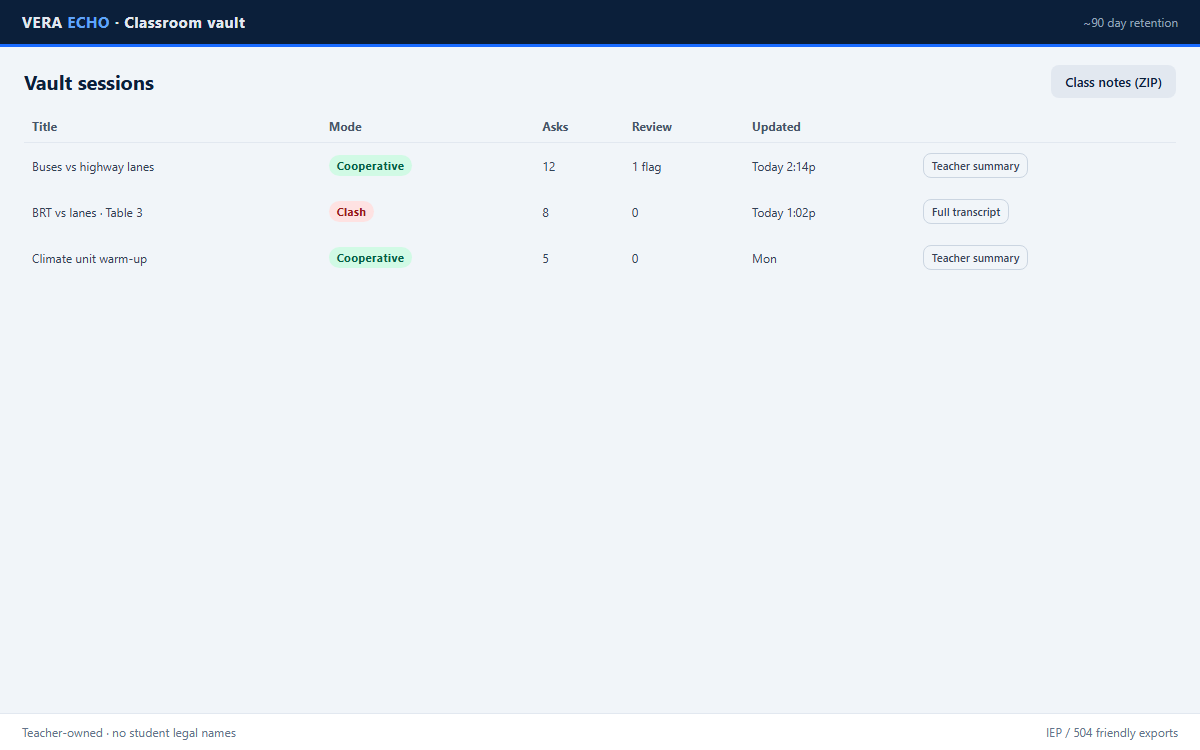
- Learning check + debrief; vault saves under the teacher account (~90 days) with IEP / 504-ready exports.
Classroom Map
Teacher seating for any classroom room (Cooperative or Claim Clash — not solo). Exact class size → exact seats. Drag layout · focus · suspend · mute.
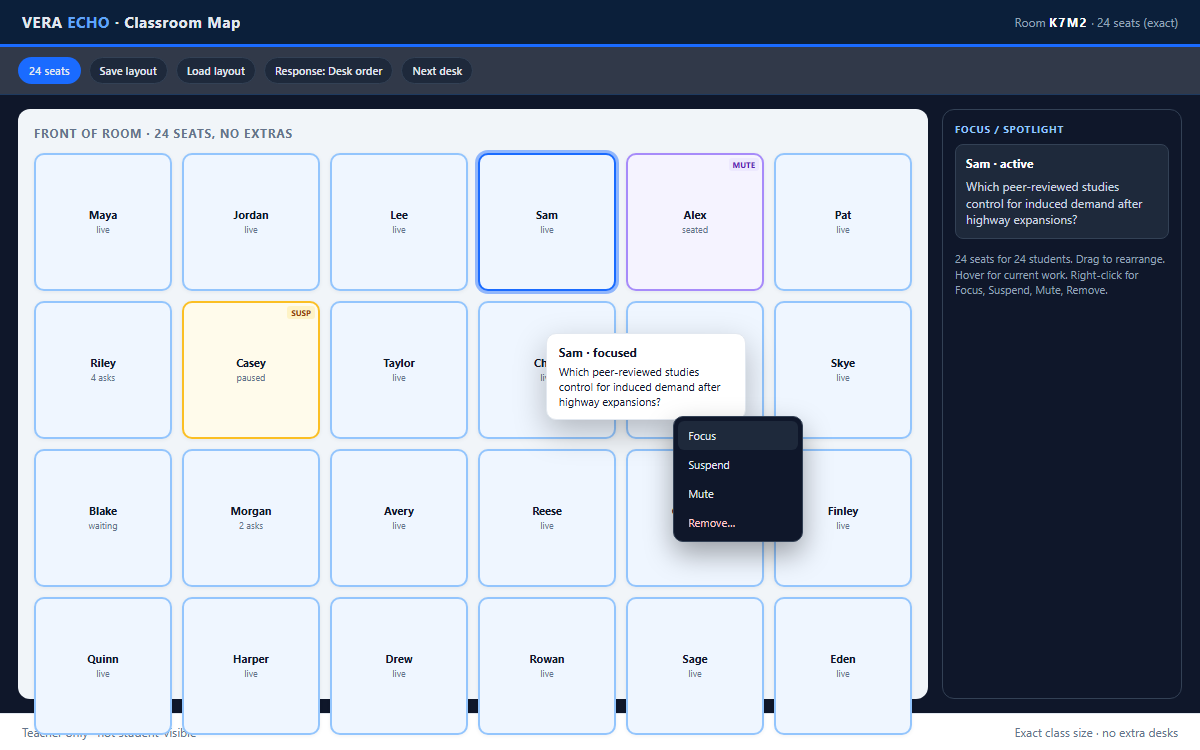
Open from Teacher’s view after you create a classroom.
Teacher tools
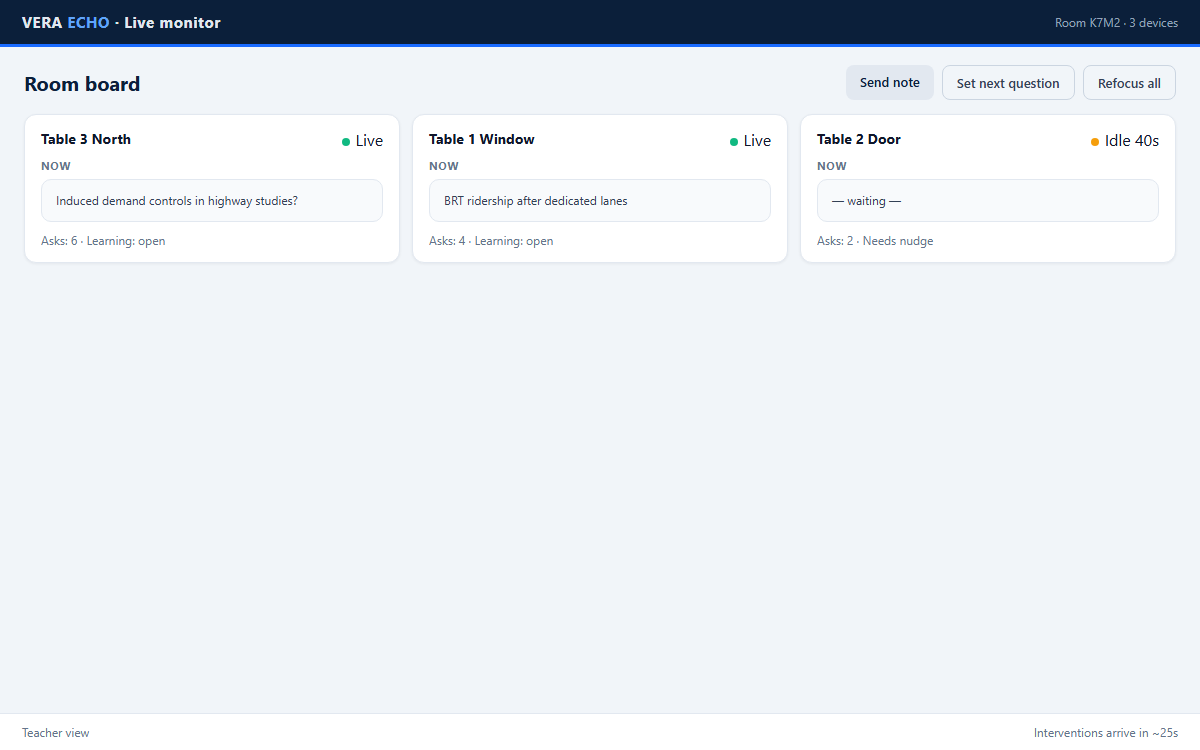
Live board, interventions, vault. No student legal names. Vault exports ready for IEP / 504 samples.
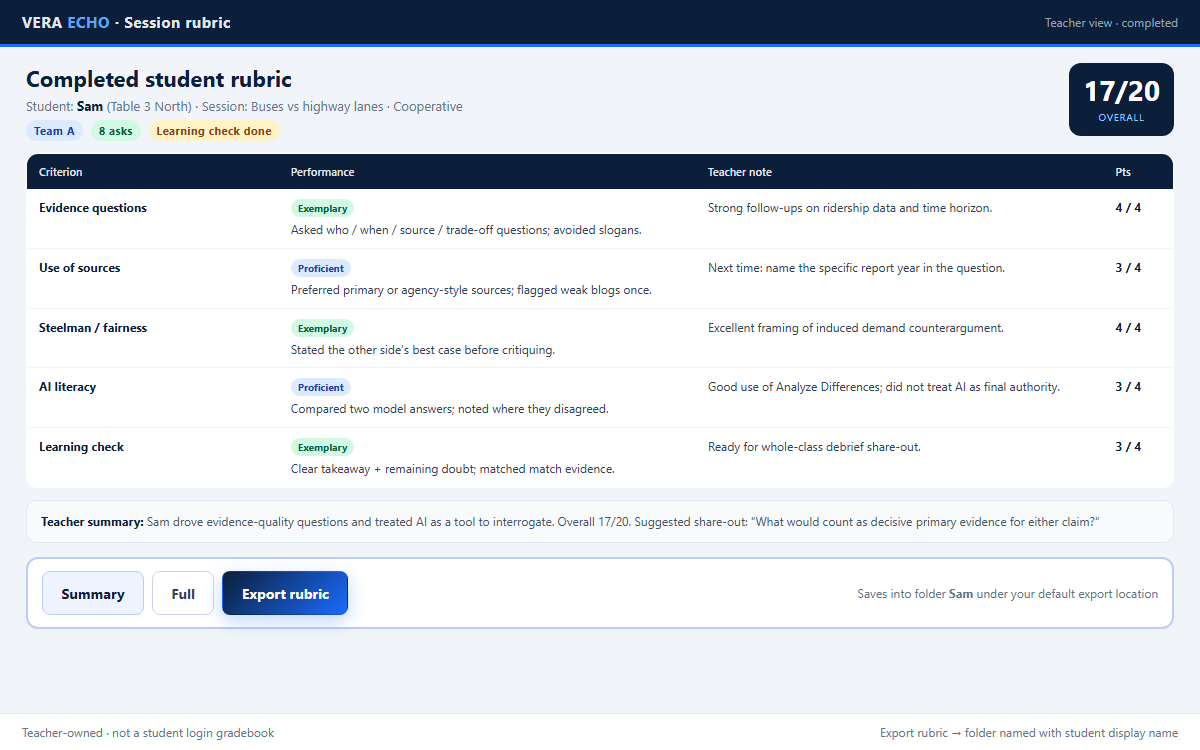
Completed student rubric
Teacher-facing scores and notes. Export rubric saves a folder named with the student display name.
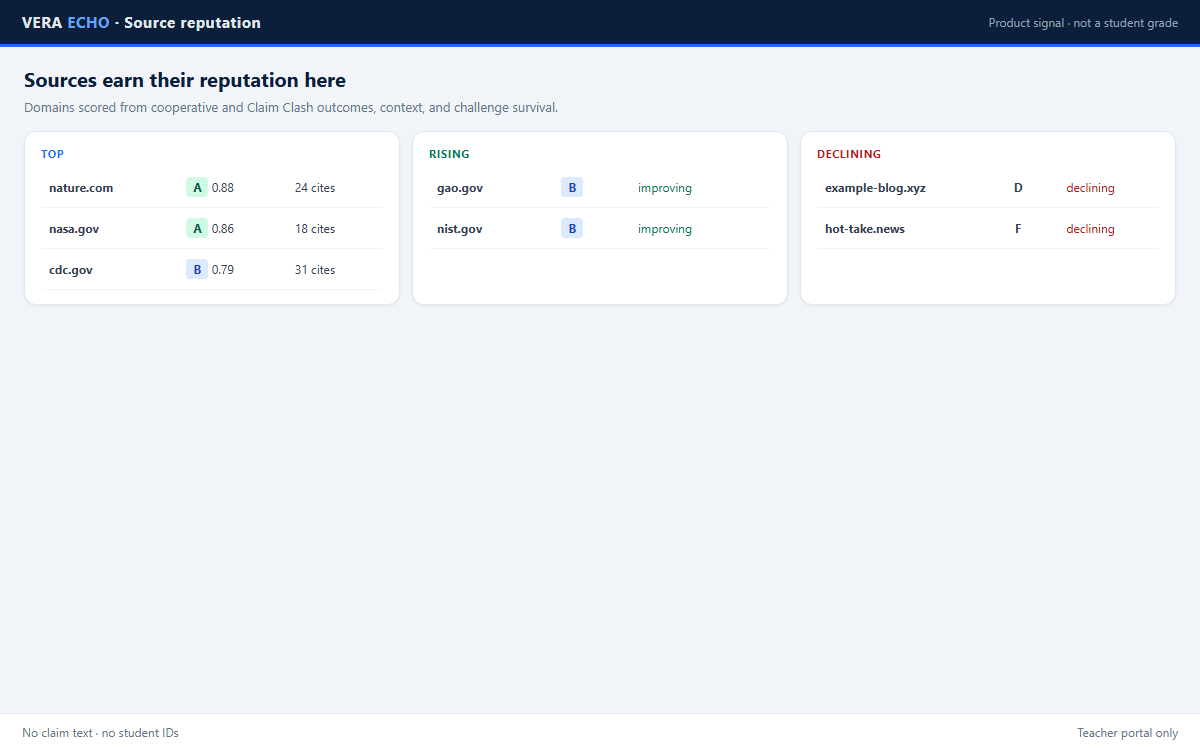
Sources earn their reputation here
Domain scores from outcomes — product signal, not a student grade.